Works best on a tablet or desktop, with a stylus or precise mouse.
Set in AS Dehcho, Smarta Nova and FFFatboy by Aisu.Studio — all three drawn in Fontane.Studio.
Free
No account
OTF & UFO, compiled in your browser
No cookies, no trackers
01 · Draw
Start with a stroke.
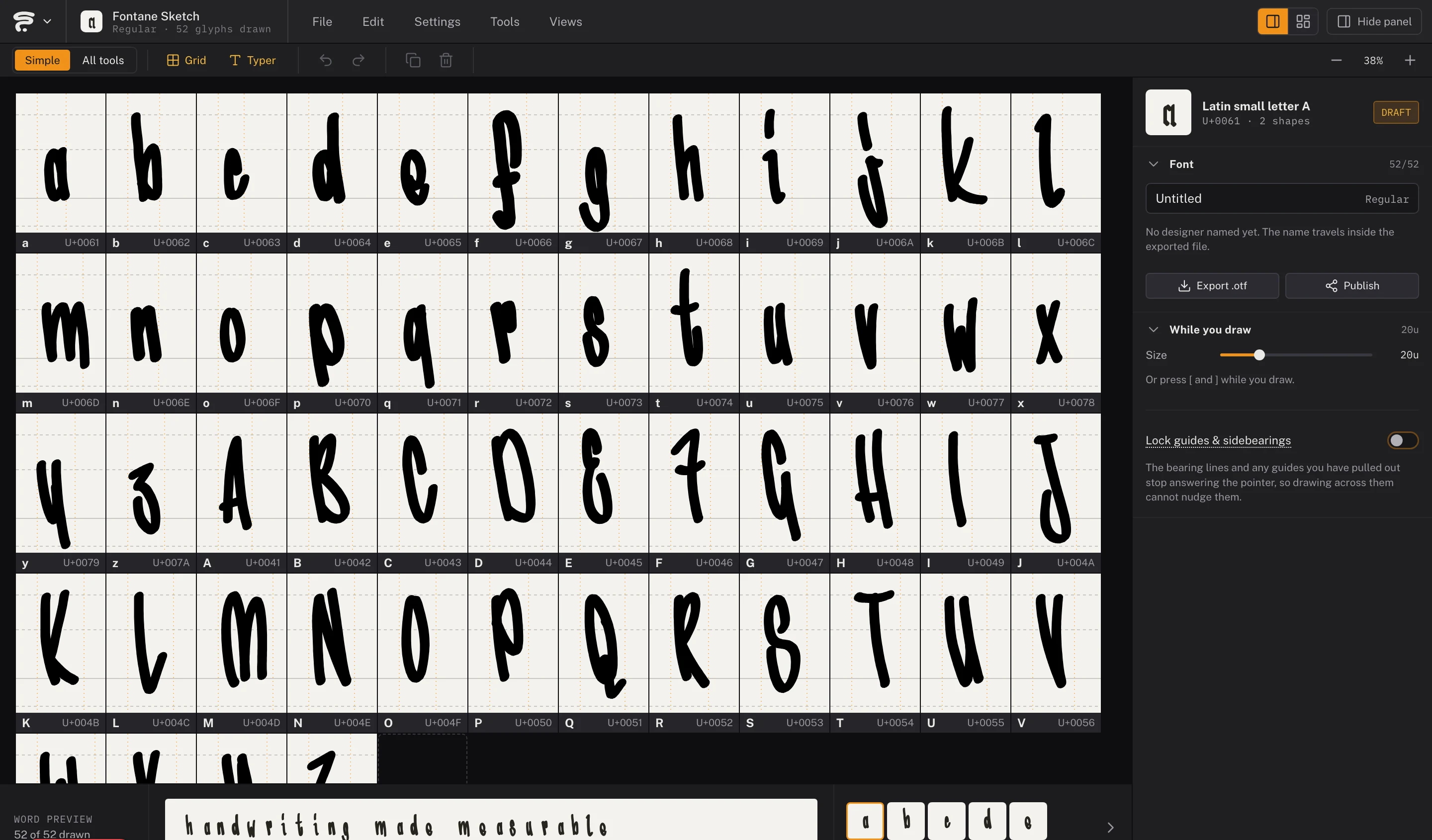
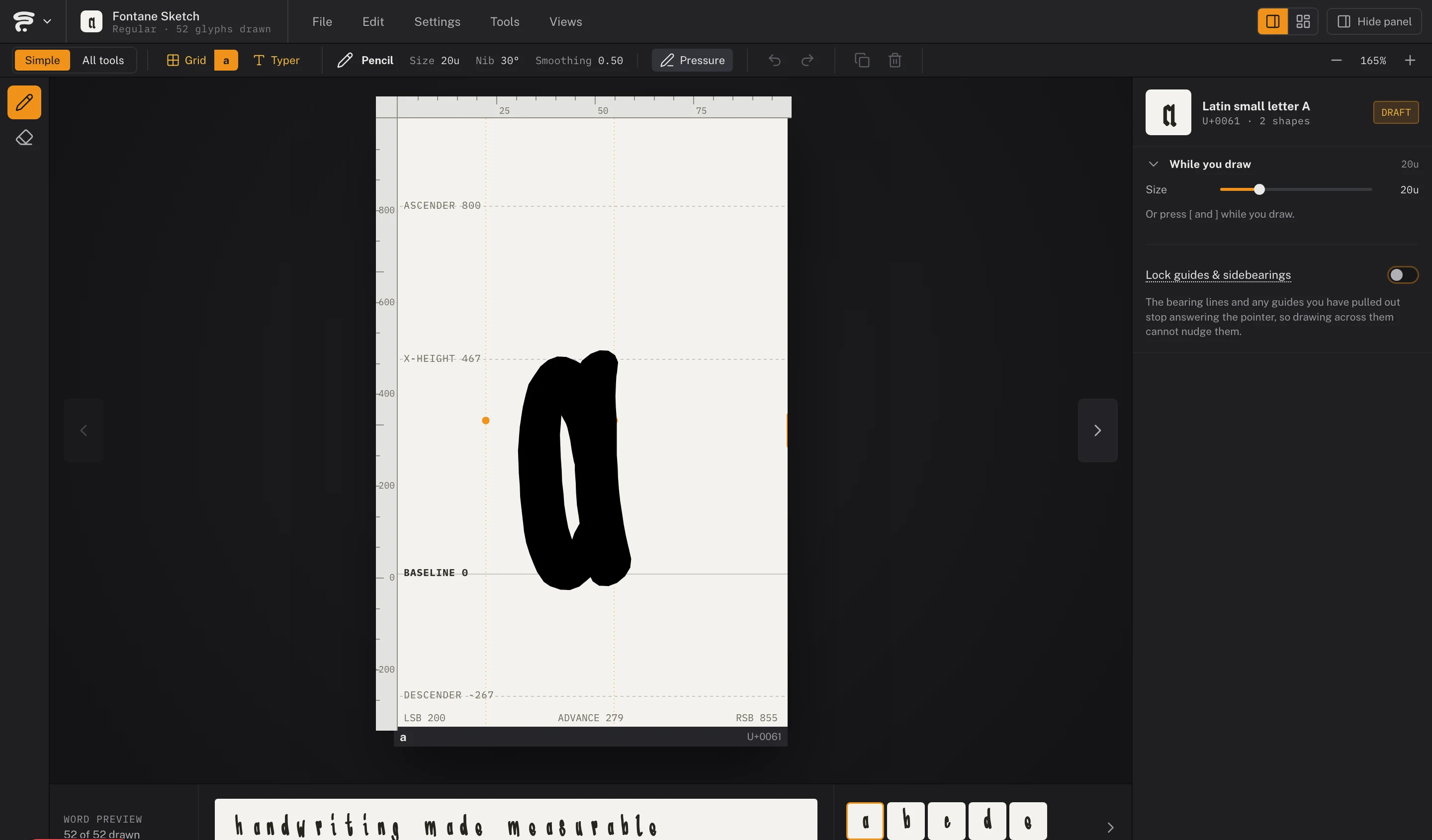
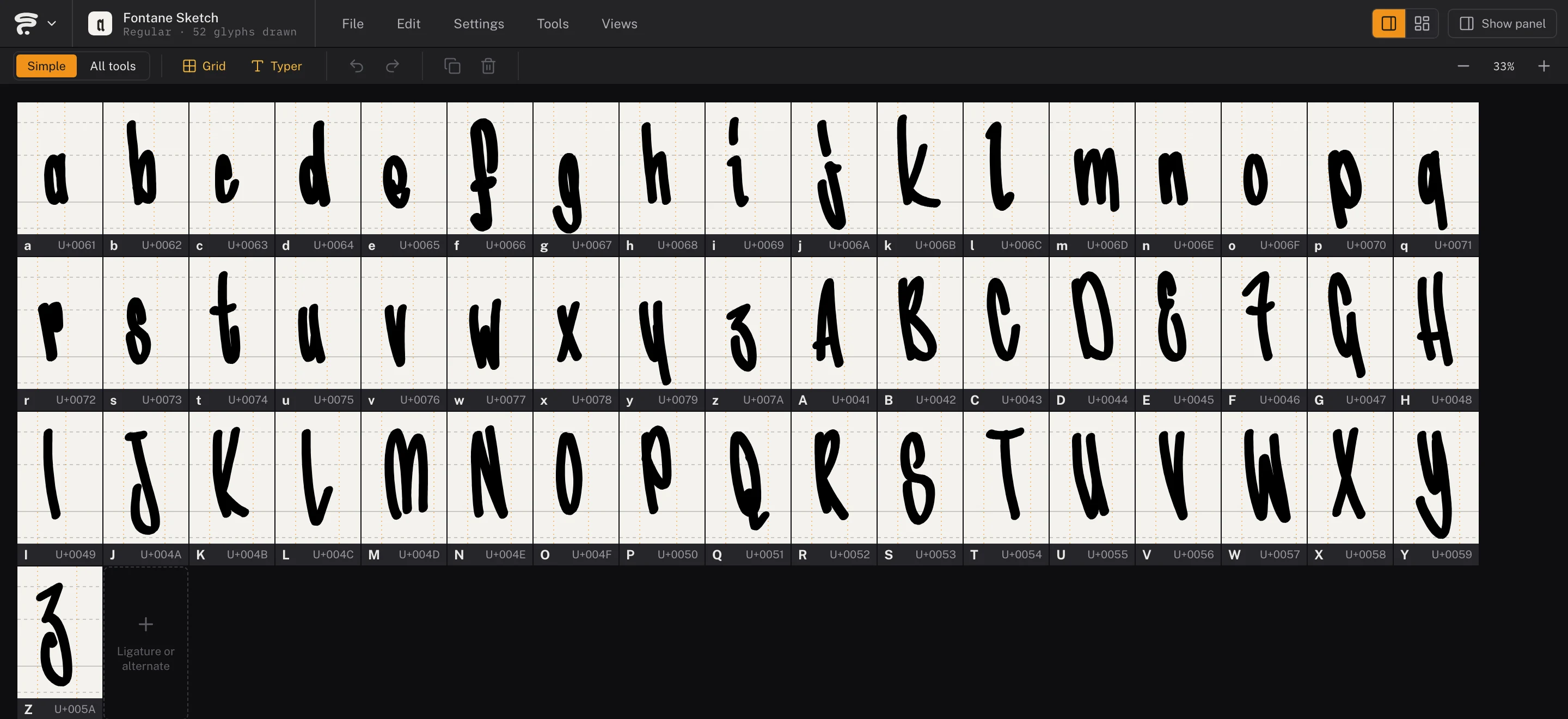
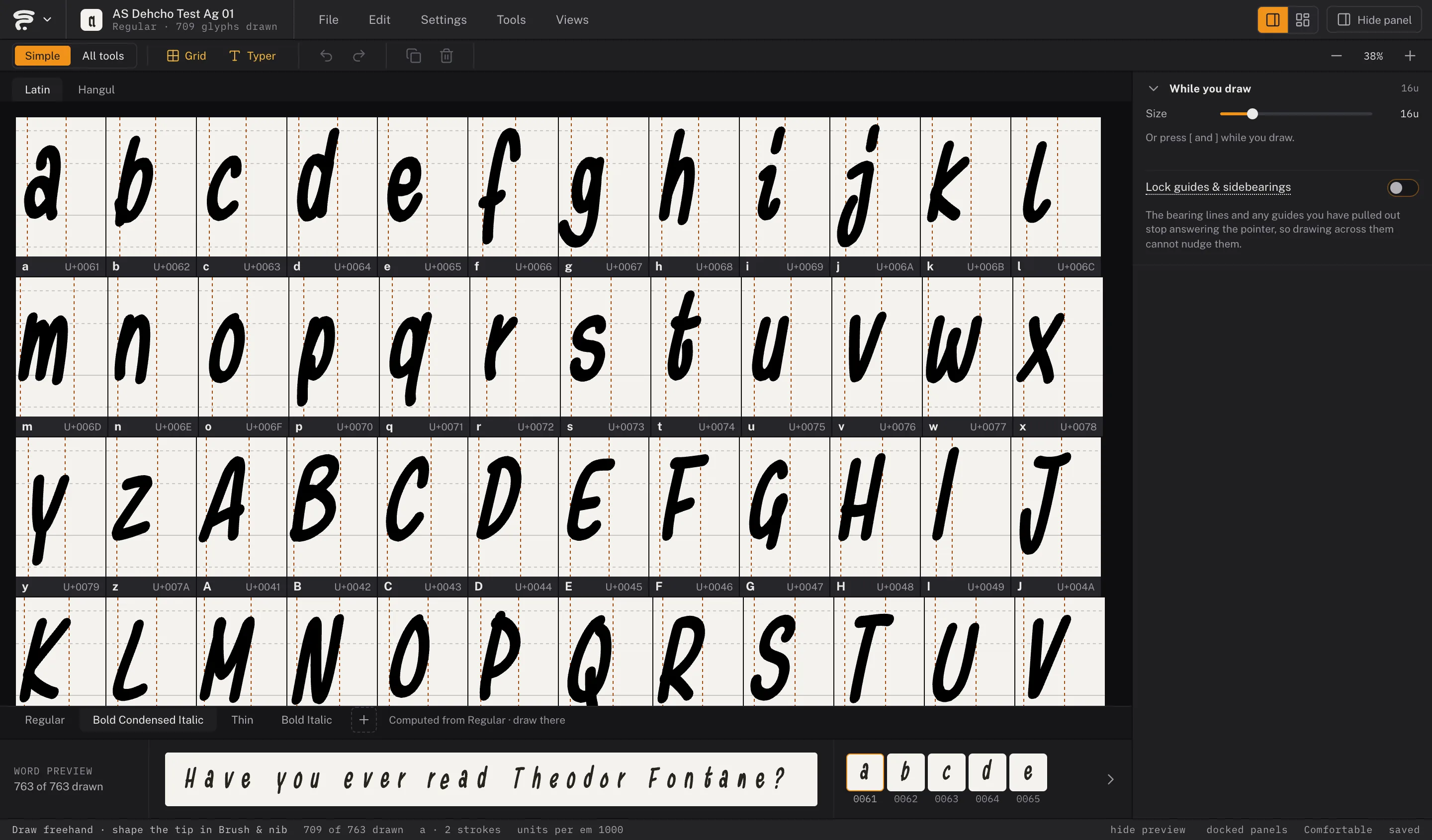
Draw with an Apple Pencil, a Wacom, or a mouse, in a grid that carries real metrics — ascender, x-height, baseline, sidebearings you drag and the export respects, with the pairs kerned later as you type. Keep it loose with pressure-sensitive strokes, or switch to a true Bézier pen with Illustrator’s shortcuts and manners. Same cell, same letter, two temperaments — and a brush you can swap later without redrawing a thing.
Handwriting replay in a real grid cell — the same strokes you’ll export.
Strokes — pressure does the shapingPen — anchors do the shaping
The Grid — a whole alphabet, drawnGlyph View — one letter, its real metrics
One stroke, your ink
Same path. Different ink.
These are the editor’s own brush settings, running the editor’s own code. Turn the nib and the stroke goes thick and thin depending on which way the pen travels. The path underneath never moves — that’s the whole point of a brush.
A swept calligraphy nib: contrast comes from the direction you travel. 1 contour
BrushNib shape
02 · Write
Copy a line, keep your hand.
The Writer hands you a reference line and you copy it in your own handwriting. Because the text is already known, Fontane.Studio only has to find where one letter ends and the next begins — no OCR, no handwriting recognition, no server round-trip. Then open the Typer and type your own name in the handwriting you drew five minutes ago. That’s the moment this tool exists for.
Fontane.Studio finds the gaps — it never has to read the letters.
03 · Ship
Export a real font.
One click compiles a complete OpenType file, entirely in your browser — nothing is uploaded, nothing to install. Ligatures trigger on their own, and if you draw an alternate, a real calt rule swaps it in when a letter repeats, so your text never reads as stamped. Publish it to the marketplace, or don’t — every font there began as someone actually drawing.
Export a project
Not ready to publish? Save an .fff — a Fontane Font File — instead: your strokes, tags and metrics exactly as you left them. Reopen it on another device, keep several projects going side by side, or hand it to a friend to keep drawing.
AI can finish a typeface; only a person can start one.
The marketplace’s provenance check exists to keep it that way.
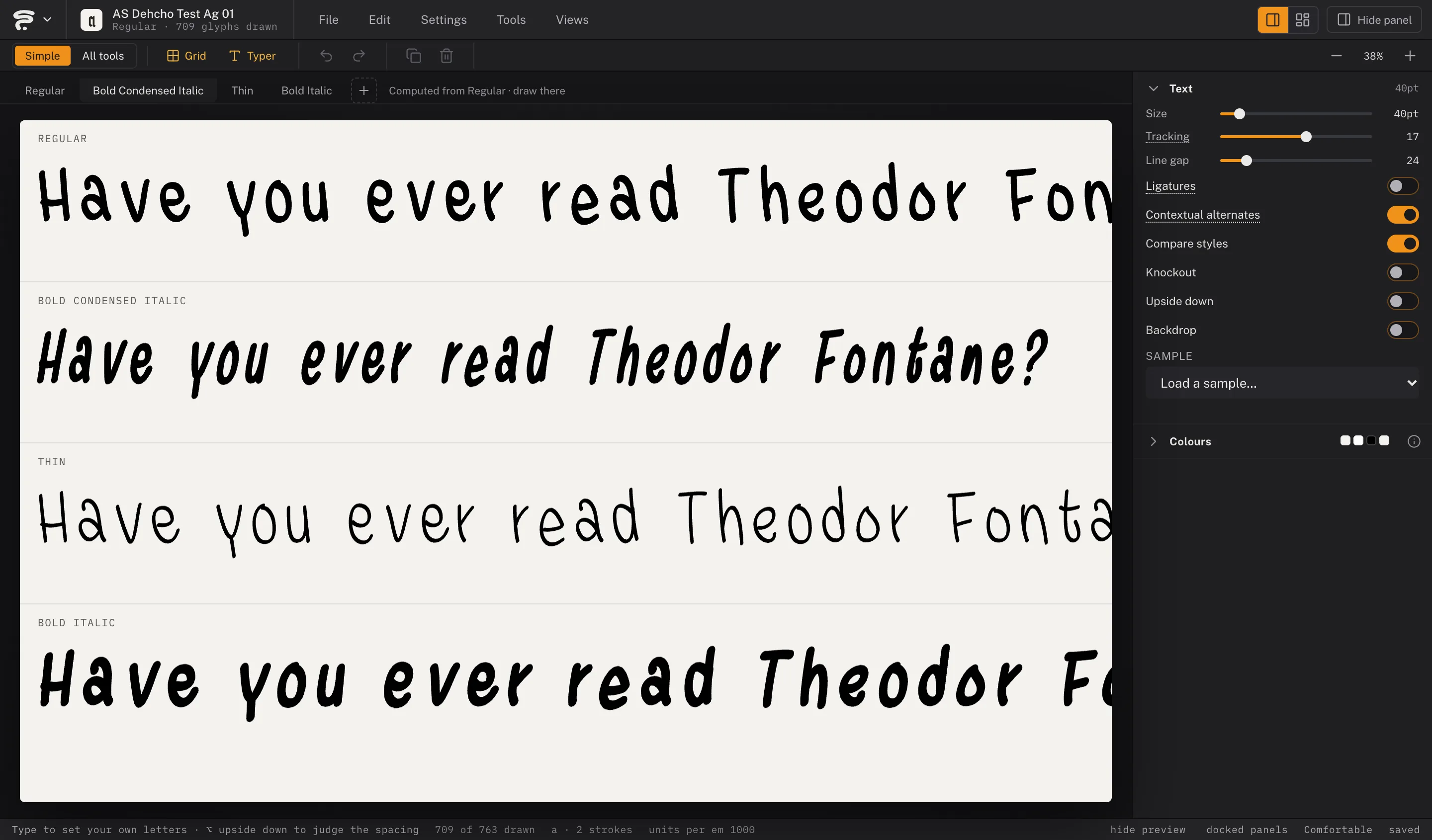
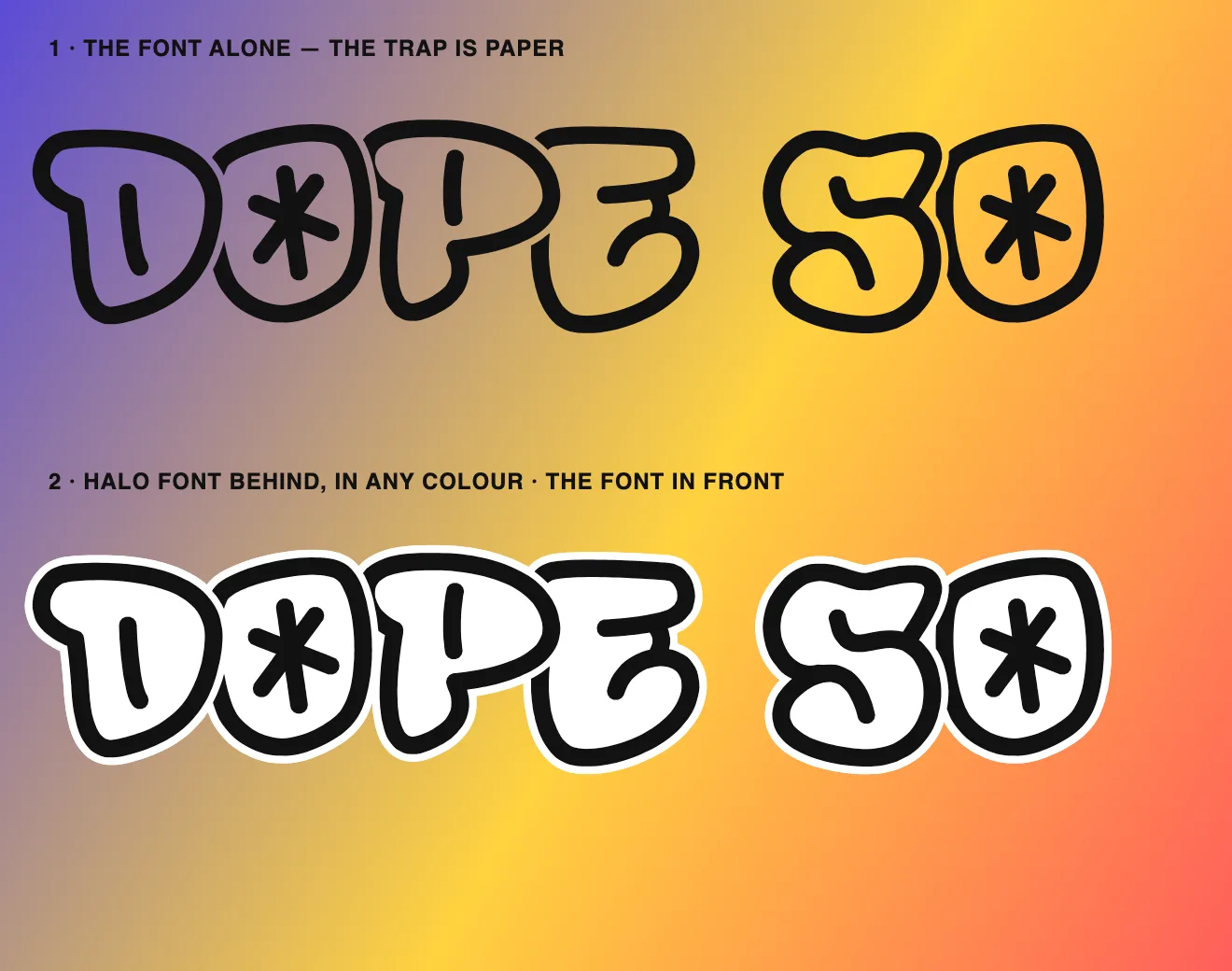
Draw one style and let the rest follow: heavier, lighter, narrower, slanted, or a Dark cut for light on dark — each a style of its own, with its own name and weight, spaced from the ink rather than stretched. Set them side by side in the Typer before anything leaves the tab. A knockout brings a Halo and a Raw sister font, a deco line gets a style of its own, and the family goes out together — as files for your font menu, or as one page on the marketplace.
Compare styles — four styles, one drawing
Every letter, through a style tab
A knockout, and its Halo sister font behind it
05 · Pixel
Or set it in pixels.
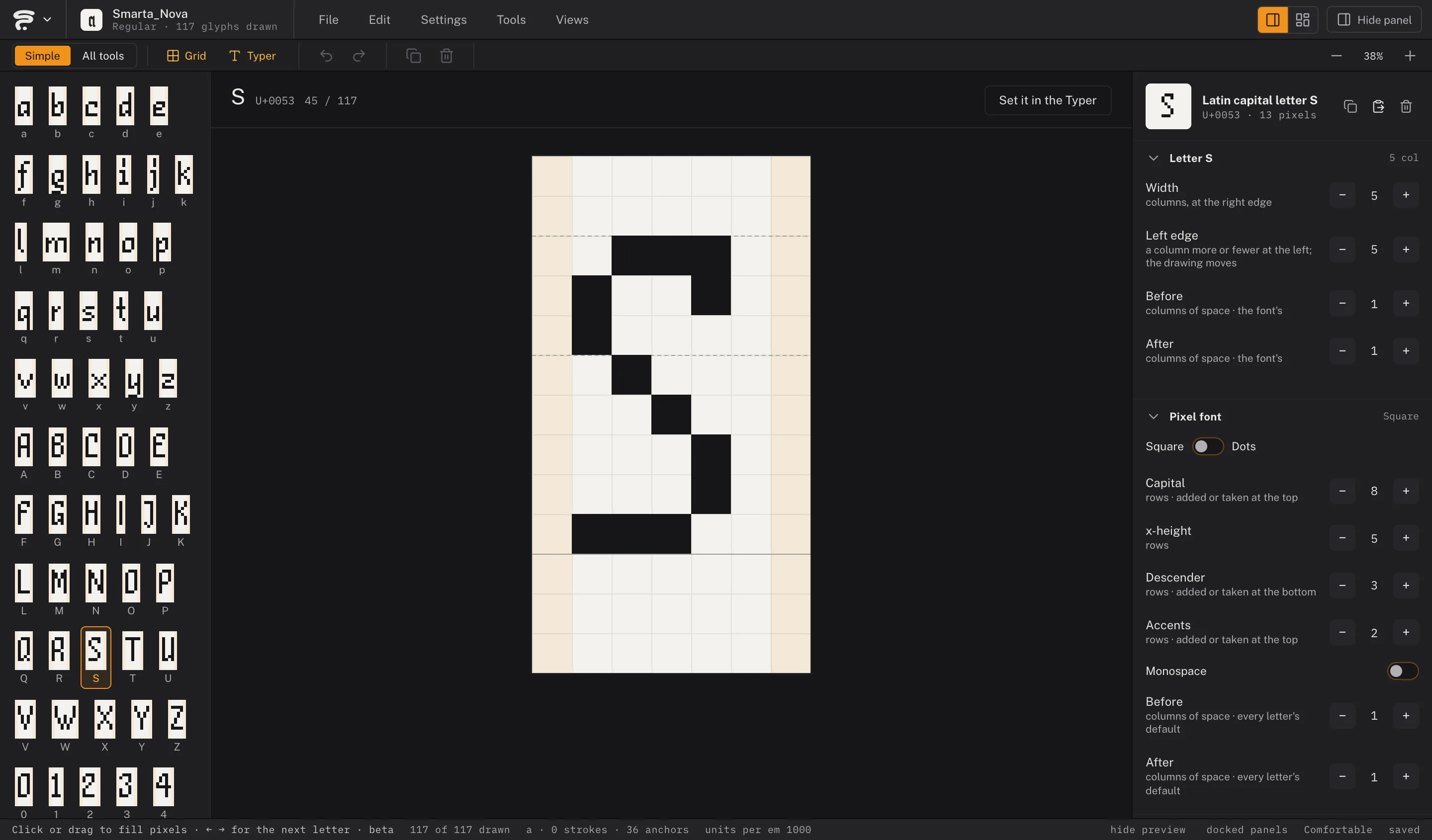
Not every font starts with a pen. The Pixel view draws on a grid, one square — or one dot — at a time: click and drag, and the first pixel decides whether you paint or erase. Change the rows for capitals, x-height, descenders and accents after you have started, and the baseline stays where it is. The Typer sets it, the export turns it into outlines, and it publishes like any other font.
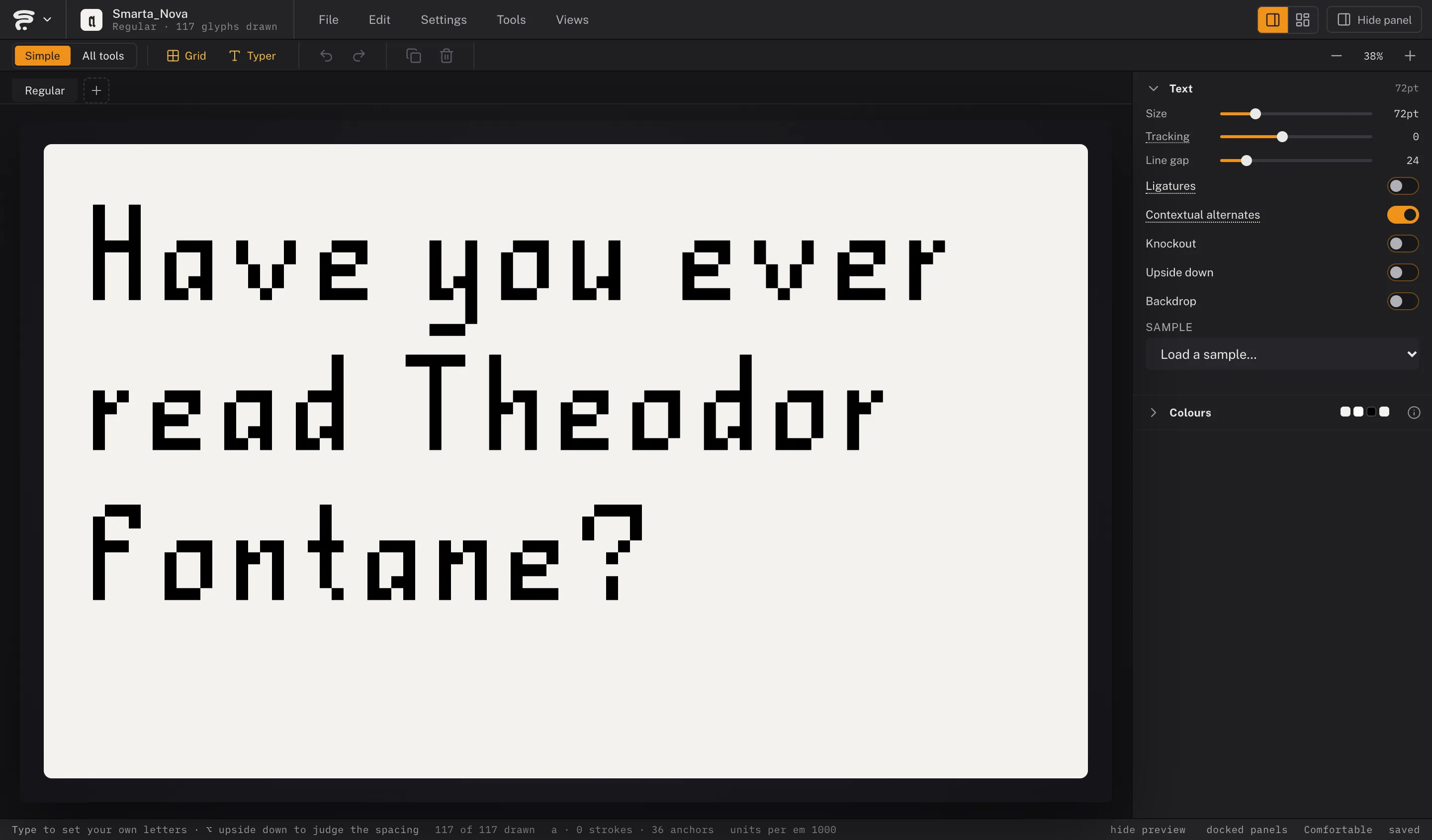
The Pixel view — one square at a timeSmarta Nova, set in the Typer
06 · Worldwide
Your hand doesn’t stop at Latin.
Draw each grid once and Fontane.Studio keeps every script apart — same guides, same export, different alphabet. Hangul isn’t even collected letter by letter: draw the 24 jamo and Fontane.Studio composes the syllable blocks for you — every one of them in the Typer, the 2,350 most common in the font — and can give each syllable one even stroke weight.
Aa
Latin52 letters, upper & lower — the alphabet everything else sits next to.
ЖЗ
Cyrillic33 letters, own grid tab, own guides — a fresh а, not a reused Latin one.
σφ
Greek24 letters — sigma gets a second form for the end of a word.
잦
Hangul24 jamo in. 2,350 syllables in the font.
(&)
Numbers & symbolsDigits, punctuation, currency — the set that makes a typeface feel finished.
Comic letterers — your speech bubbles, set in your own hand.
Tattoo and lettering artists — the script you draw every day, usable as a font.
Drawing your first font? — the Lexicon explains every word we use. No typography shelf required.
Small things
The details are the product.
Reference ghostA faint Comic Sans sits in every empty grid cell for orientation — and disappears the instant you start drawing your own design there.
Alternates that breatheDraw a letter more than once and a real calt rule turns its shapes over whenever it comes round again within 14 letters — you set the reach. Hand-drawn text shouldn’t read as a stamp.
⇧⌥←r · t0−50−100Kerning, the typesetter’s wayPut the cursor between two letters in the Typer and press ⌥← or ⌥→, with ⇧ for 50 units at a time. The pair goes into the font as a real kern feature — and an alternate kerns as its letter, so one pair covers every shape it takes.
Mirror in one clickDraw the b, select it, press F and click: there is your d to start from. Shift flips top to bottom — the line keeps its weight and a filled letter its counters.
Read it in FontaneThe Typer loads a poem by Theodor Fontane, line breaks and all — a font is judged in lines somebody would want to read. The pangrams are still there for checking every letter.
The pen knows its own inkClick the end of a drawn stroke and the pen picks up where it left off — click a point in the middle and that point is gone, the line flowing on through the gap.
The LexiconEvery type-design term this page uses, explained for someone drawing their first font.
What leaves your browserNo cookies and no third-party trackers. We count visits, exports and downloads ourselves, with a fingerprint that changes every day. Each stroke sends a few numbers — how long, how many points, how much pressure — so the marketplace can tell drawn from generated. The drawing itself stays in your browser until you export or publish.